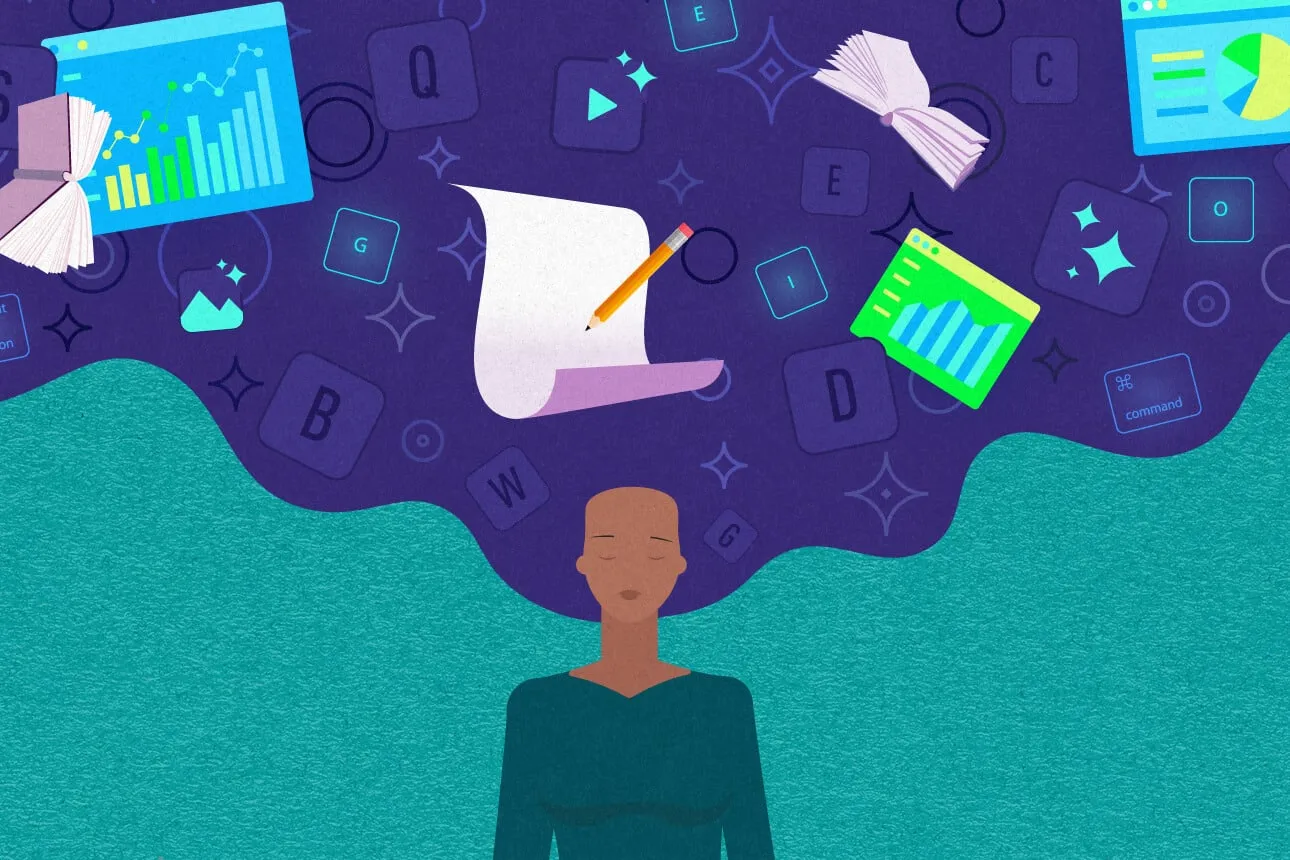
You’ve probably sat through a presentation that felt like being buried under a pile of slides too many words, too little point, and a speaker who looked just as overwhelmed as the audience. You’ve also likely experienced the opposite: a deck so clear and visually thoughtful that it made a complex idea feel simple, memorable, even inspiring. The difference rarely comes down to talent alone. It comes down to intention, structure, and increasingly, the smart use of new tools that help creators think better, not just work faster.
That shift is why tools such as an AI presentation maker are reshaping how people plan, design, and deliver their ideas. Used well, they don’t replace creativity they amplify it, taking care of the tedious parts so you can focus on what actually matters: your message, your audience, and your story.
Why presentations still matter
In a world of quick emails, chat threads, and short videos, formal presentations might seem old-fashioned. They’re not. They remain one of the most powerful ways to align people, teach something new, or move a group toward action.
A well-crafted presentation does three things:
- Clarifies thinking.
When you prepare slides, you’re forced to organize your ideas. You must decide what belongs, what doesn’t, and what order makes sense. This process often sharpens your own understanding before anyone else even sees the deck. - Builds trust.
Clean visuals, coherent structure, and confident delivery signal professionalism. They tell your audience you respect their time and have done your homework. - Creates shared understanding.
Visuals help people remember. A single strong diagram can stick in someone’s mind far longer than a paragraph of text.
The challenge is that creating this kind of presentation has traditionally been slow and frustrating. That’s where modern tools change the equation.
Where AI changes the game (without taking over)
Many people worry that AI will make presentations generic or robotic. That happens only when people lean on it as a crutch instead of a partner.
Used thoughtfully, AI can:
- Suggest slide layouts based on your content
- Generate visuals that match your tone
- Help condense long ideas into clear bullet points
- Offer alternative phrasings when you’re stuck
- Keep design consistent across an entire deck
This doesn’t mean you press a button and disappear. It means you spend less time wrestling with templates and more time refining your thinking.
One designer I know used to spend hours aligning text boxes and choosing fonts. Now, she uses smart tools to handle layout instantly, then invests that saved time in sharpening her narrative. Her presentations feel more human, not less, because she has more space to think deeply.
A smarter workflow for modern presentations
Instead of starting with slides, start with thinking. Here’s a workflow that consistently produces better results:
1. Define your core message
Before opening any software, write down one sentence that captures your main point.
Examples:
- “Our new process will cut delivery time in half.”
- “This research changes how we understand climate risk.”
- “This product makes learning math less intimidating.”
If you can’t summarize your idea in one sentence, your presentation isn’t ready yet.
2. Map your story
Think in terms of a simple narrative:
- Where we are now
- What the problem is
- What we propose
- Why it works
- What happens next
This structure works for business pitches, classroom lectures, and even creative talks.
3. Let tools handle structure, you handle meaning
Once your outline is clear, this is where AI-based tools shine. They can turn your rough notes into clean slides, suggest visuals, and keep your design cohesive. You then refine, adjust, and personalize.
The goal isn’t automation for its own sake. It’s about reducing friction so your best ideas come through more clearly.
Design with intention, not decoration
Beautiful slides are nice, but purpose matters more than aesthetics. Ask yourself for every slide:
- Does this help my audience understand?
- Does it support my main message?
- Could I explain this more simply?
Some practical design principles that never go out of style:
Less text, more meaning
If your slide is packed with paragraphs, your audience will read instead of listen. Use short phrases, key words, or visuals instead.
Consistent style
Stick to one or two fonts, a limited color palette, and a consistent layout. Consistency builds credibility.
Visuals that add value
Charts, diagrams, and images should clarify, not confuse. A well-chosen visual can replace an entire paragraph.
Story before slides, always
People don’t remember slides. They remember stories.
Imagine you’re explaining your idea to a friend over coffee. How would you describe it? What examples would you use? What would make them lean in rather than zone out?
One teacher transformed her science presentations by adding brief real-life moments. Instead of just showing data about renewable energy, she began with a story about her grandparents’ farm and how energy costs affected their livelihood. Suddenly, the numbers meant something.
Your presentation should feel like a conversation, not a lecture.
Common pitfalls (and how to avoid them)
Even with powerful tools, people still make the same mistakes. Here’s how to sidestep them:
Pitfall: Letting tools decide everything
Fix: Treat suggestions as drafts, not final answers. Edit boldly.
Pitfall: Too many slides
Fix: Aim for clarity over quantity. If you can cut a slide without losing meaning, cut it.
Pitfall: Reading from the screen
Fix: Put prompts on slides, not full scripts. Speak naturally.
Pitfall: Ignoring the audience
Fix: Tailor your examples, tone, and depth to who’s listening.
An actionable checklist you can use today
Before your next presentation, run through this:
- I can summarize my message in one sentence
- My structure follows a clear narrative
- Each slide serves a specific purpose
- Visuals clarify rather than decorate
- I’ve left room for questions and discussion
If you can check all five, you’re already ahead of most presenters.
A real-world example: from messy to memorable
A startup founder once came to a workshop with a 40-slide deck. It had everything: product details, financials, market analysis, testimonials, and a roadmap so complex it needed its own legend.
We asked him one simple question: “What do you want investors to do after this presentation?”
His answer: “Believe in the vision and agree to a follow-up meeting.”
We cut the deck to 15 slides. We reshaped it around a single story: a customer problem, his solution, proof it worked, and the opportunity ahead. Design tools handled layout and visuals, while he focused on refining his message.
The result? Same information, dramatically clearer impact. He later told us the follow-up meetings doubled.
Creativity, ethics, and originality
As AI becomes more integrated into creative work, it’s important to stay grounded in your own voice.
Use tools to support your thinking, not replace it. Draw from your experiences, your perspective, and your values. Audiences can sense authenticity and they respond to it.
Also, be transparent when appropriate. If you’re using AI-generated visuals or assistance, that’s fine. What matters is that your ideas remain genuinely yours.
Looking ahead
Presentation tools will continue to evolve. They’ll get smarter, more intuitive, and more collaborative. But the fundamentals won’t change: clarity, storytelling, and respect for your audience.
The most effective presenters of the future won’t be those who know every feature of every tool. They’ll be those who think deeply, communicate clearly, and use technology as a thoughtful partner in that process.
In the end
Great presentations aren’t about perfect slides. They’re about clear thinking, human connection, and meaningful ideas. When you combine that mindset with the right tools and a disciplined approach, you don’t just make better slides you make better conversations, better decisions, and, ultimately, better impact.
If you approach your next presentation with intention, curiosity, and a willingness to refine, you’ll be surprised how much more confident and compelling you can be.